Guide · September 16, 2026
How to Schedule First Comment on Instagram (2026 Guide)
Learn how to schedule a first comment on Instagram in 2026. Discover API rules, step-by-step setup, hashtag strategies, and workflow automation.
 By Sergio · Co-founder of Quetzal

To schedule a first comment on Instagram, you must use a third-party publishing tool connected to an Instagram Business or Creator account. Meta's native apps do not automate first comments.
In an API-connected scheduler, create your post, paste your hashtags or text into the dedicated first comment field, and set your publication time.
Instead of manually staging posts and comment fields, you can use an AI social media autopilot like Quetzal to handle both creation and publishing automatically. It generates designed posts, carousels, and captions tailored to your brand's visual identity, then schedules and publishes them across Instagram and five other platforms.
You can try it free on your own website to generate a full week of ready-to-post content in about 3 minutes.
Scheduling the first comment has become a standard operational technique for social media teams, brand managers, and independent creators. Separating secondary copy, discoverability tags, or compliance disclaimers from the primary visual caption preserves visual hierarchy while maintaining reach.
However, because Meta does not offer this feature inside the native Instagram mobile app or Meta Business Suite, teams must navigate Meta's Graph API requirements, account types, and automation parameters.
This guide details the technical requirements, step-by-step execution workflows, and strategic considerations for scheduling first comments reliably in 2026.
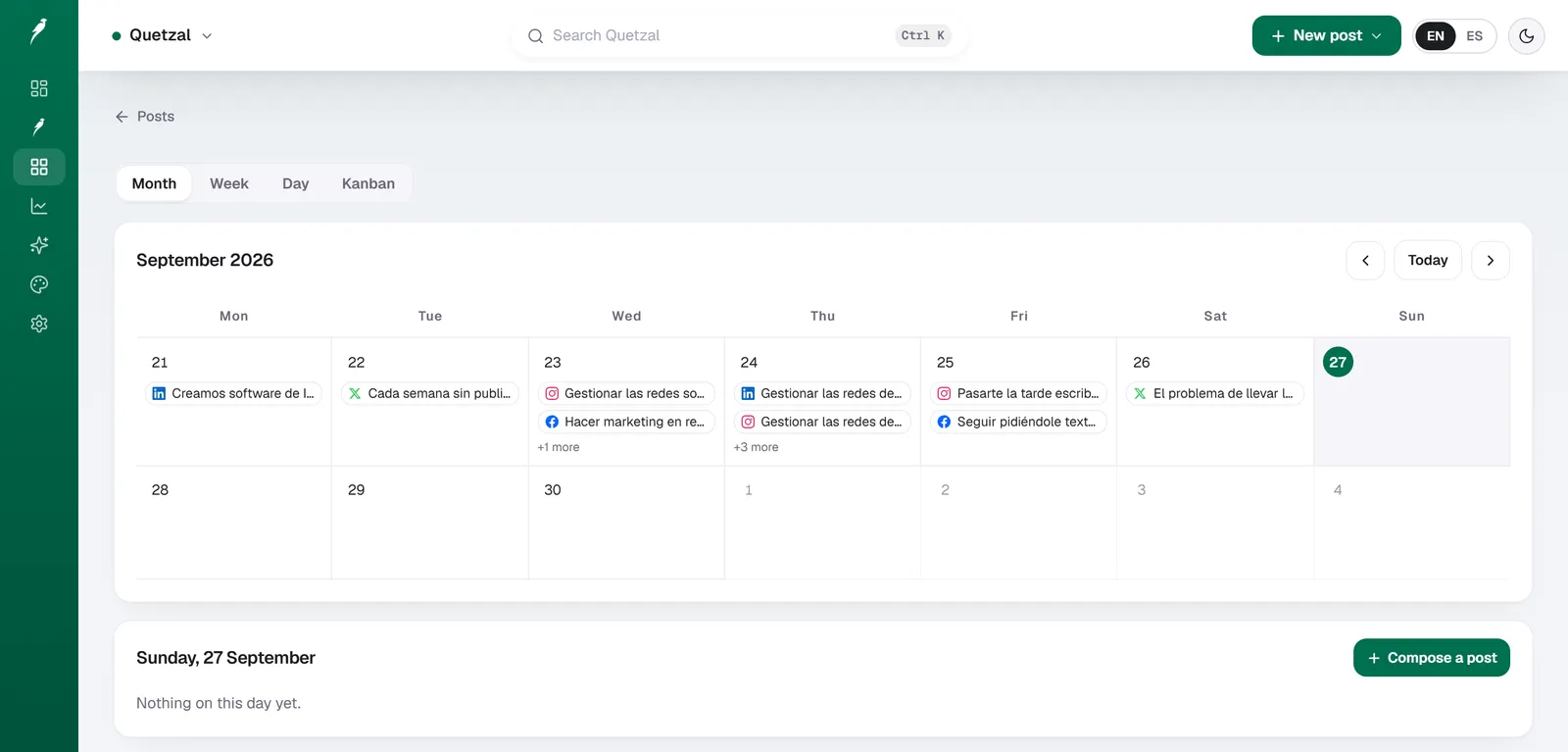
The Quetzal calendar on our own account in September 2026: every post the autopilot planned for LinkedIn, X, Instagram and Facebook, and underneath, the posts still waiting for approval. Our account publishes in Spanish.
Why schedule a first comment on Instagram?
The primary motivation for scheduling a first comment is aesthetic and editorial control. An Instagram caption functions as editorial copy: it delivers the hook, context, storytelling, and primary call to action.
When a caption ends with an unbroken block of twenty hashtags, the reading experience degrades, particularly on mobile screens where captions are collapsed behind a "more" fold.
Moving discovery elements to the first comment solves several practical challenges:
- Caption legibility: Your primary copy remains readable and uncluttered. Followers can read your message without wading through blocks of categorization tags.
- Immediate discovery: By scheduling the comment rather than typing it manually after publication, the comment publishes in the exact same second as the post. This prevents any latency gap where the post is live without its accompanying keyword tags.
- Operational consistency: Manual posting requires social media managers to monitor phone notifications, wait for the post to appear, open the comment drawer, and paste text from a notes app. Automated first comments eliminate human error, forgotten tags, and awkward delays.
- Editorial separation: Brands often use the first comment to house secondary calls to action, regulatory disclaimers, affiliate links, photographer credits, or translation notes that would otherwise distract from the core post.
Different industries utilize this structural separation in distinct ways. For example, local businesses running social media marketing for restaurants frequently reserve the main caption for dish descriptions, daily specials, and reservation instructions, while pushing supplier mentions, dietary tags, and neighborhood search terms into the first comment.
Similarly, professionals managing social media marketing for real estate agents use the primary caption to emphasize property highlights and open house times, relegating licensing disclosures, MLS identification numbers, and neighborhood hashtags to the initial comment.
Technical requirements: what Meta allows in 2026
You cannot schedule a first comment through the native Instagram iOS or Android app, nor can you do so through Meta Business Suite. The automation of comments requires access to the Instagram Graph API.
According to official developer documentation from Meta for Developers, only professional accounts (Business or Creator accounts) can publish content through the Instagram Graph API. Personal Instagram profiles cannot use API-based publishing tools, which means personal profiles cannot automate post publication or schedule first comments.
Furthermore, Meta enforces specific throughput boundaries across its publishing endpoints. As documented by Meta for Developers, an Instagram professional account is limited to 100 API-published posts within a rolling 24-hour window.
Within the API architecture, a single image, a single video, or a multi-slide carousel each counts as one published post toward this 100-post limit.
| Parameter | API Specification | Practical Impact |
|---|---|---|
| Account Type Required | Professional (Business or Creator) | Personal accounts cannot schedule posts or comments via software |
| Meta API Publishing Limit | 100 posts per 24-hour moving window | Covers high-volume publishing; carousels count as 1 post |
| First Comment Endpoint | POST /{ig-media-id}/comments |
The tool must publish the media container first, then post the comment payload |
| Comment Character Limit | 2,200 characters | Matches the character limit of standard Instagram comments |
| Maximum Hashtags | 30 hashtags across post and comments | Exceeding 30 combined tags can cause the comment to fail or drop |
Source: Meta for Developers, 2026
The sequence of API events is critical to understand. When your scheduling tool publishes your content, it first uploads the media container (image, carousel, or Reel) to Instagram.
Once the media container returns a successful creation status, the software calls the publishing endpoint. The millisecond the post is confirmed live and assigned an ig-media-id, the scheduling software sends a secondary request to the comments endpoint (/{ig-media-id}/comments) containing your text string.
Because this is a two-step automated sequence, any connectivity breakdown between your tool and Meta can cause the post to publish while the first comment fails. Choosing reliable software and maintaining active API tokens prevents these drops.
Step-by-step: how to schedule a first comment
Automating your first comment requires completing a one-time connection setup, followed by a repeatable publishing workflow.
Step 1: Convert your Instagram profile to a Professional account
If your account is currently set as a Personal profile, open the Instagram mobile app:
- Navigate to your profile and tap the menu icon (three horizontal lines) in the upper right corner.
- Select Settings and privacy, then tap Account type and tools.
- Tap Switch to professional account.
- Select either Business (recommended for brands, agencies, and retailers) or Creator (ideal for individual personalities, artists, and influencers).
- Follow the prompts to connect the profile to your brand's Facebook Page. A linked Facebook Page is required by Meta to grant Graph API access permissions to external platforms.
Step 2: Connect your account to an API-compliant scheduler
Select a social media management platform that supports Instagram first comments, such as Buffer, Hootsuite, Later, or Publer. During onboarding:
- Log into your scheduling platform.
- Navigate to channel settings and select Connect Instagram.
- Authenticate using your Facebook credentials and grant all requested permissions (including post creation, comment management, and insights retrieval).
Step 3: Create your post and draft your first comment
Within your scheduling tool's post composer:
- Upload your visual asset (single image, carousel, or Reel).
- Write your caption in the primary text editor. Focus on engaging hooks, value-driven body copy, and a straightforward call to action.
- Locate the dedicated First Comment input box. In modern scheduling interfaces, this is typically located directly below the caption box or accessible via an Instagram-specific tab.
- Input your intended comment text. If you are using this space for hashtags, paste your researched list here. Keep the list within Instagram's total limit of 30 hashtags per post.
Step 4: Pick your publication time
Rather than publishing immediately, select your intended distribution time. Selecting the right window matters because first-comment discoverability relies on prompt engagement from active followers.
Scheduling studies provide clear baseline windows for Instagram publishing. According to timing research published by Buffer, peak engagement across millions of analyzed posts occurs on weekdays during mid-morning and early afternoon time slots.
Similarly, data analyzed by Hootsuite highlights specific day-by-day windows, emphasizing that early mornings (between 8:00 AM and 10:00 AM) and mid-day lulls (around 12:00 PM to 1:00 PM) frequently yield higher initial interaction rates as users check feeds before work and during lunch breaks.
Cross-industry data compiled by Sprout Social further indicates that Tuesdays, Wednesdays, and Thursdays consistently outperform weekends for B2B and professional services.
Set your schedule to align with when your specific historical audience is active, then hit Schedule. The software will handle post publication and comment execution simultaneously.
Strategic uses for scheduled first comments
A scheduled first comment should not simply be treated as an overflow bin for unedited text. Strategic deployment falls into four main categories.
1. Hashtag categorization and discovery
The most common application is hashtag placement. While Instagram's search engine now parses keywords directly from image captions, hashtags remain an explicit signal for indexing niche topics.
Placing hashtags in the first comment gives you identical discovery capabilities to caption-based tags without cluttering the visual field. However, do not paste 30 generic tags. Use 5 to 12 hyper-relevant tags divided into three tiers:
- Category tags (broad topic, e.g.,
#commercialinteriors) - Niche community tags (specific interest, e.g.,
#midcenturymodernfurniture) - Location tags (geographic identifier, e.g.,
#austindesigners)
Ensure that the combined count of hashtags in your caption and your scheduled first comment does not exceed Meta's 30-tag ceiling. If you place 5 tags in the caption and 26 in the comment (totalling 31), Meta's API will reject the comment payload, leaving your post published without tags.
2. Conversational prompts and engagement baiting
Instagram's ranking algorithm prioritizes posts that generate meaningful comment threads. You can use the scheduled first comment to kickstart discussions.
Instead of ending a long caption with three competing questions, place a specific, provocative, or binary question in the first comment. For example:
"Drop your vote below: Would you prioritize square footage or natural light for this renovation? We are split 50/50 on the design team."
When casual scrollers click to view comments, seeing an author-pinned prompt provides a lower barrier to entry than re-reading a 300-word caption to find what to respond to.
3. Clear attribution and credits
For brands that publish collaborative assets, user-generated content, or complex productions, listing every contributor in the main caption looks unwieldy. The first comment provides a structured directory for credits:
- Creative Direction:
@handle - Photography:
@handle - Styling:
@handle - Model:
@handle
This practice ensures all collaborators are notified and tagged immediately at the moment of publication without interrupting the reader's flow in the caption.
4. Directing actions to links and resources
Because Instagram does not allow hyperlinked URLs inside organic feed captions, creators often write "link in bio" repeatedly. You can use the first comment to provide explicit routing instructions:
"The complete breakdown and downloadable blueprint are available at the link in our bio. Look for Resource #42."
If you use link-routing software that connects specific post images to direct web URLs, stating this clearly in the first comment tells readers exactly where to navigate.
Common first comment scheduling issues and fixes
Even with a reliable tool, API interactions can occasionally fail. Here are the most frequent points of failure and how to resolve them:
Comment fails while post publishes successfully
If the post appears in the feed but the first comment never posts, check your hashtag count first. If your post caption contains 10 hashtags and your scheduled comment contains 21, the comment exceeds Meta's 30-tag limit and is rejected by the API.
Reduce your total combined tags to under 30.
Second, check for forbidden strings. Meta's spam filters evaluate comments aggressively. Comments containing repeated repetitive URLs, prohibited affiliate tracking parameters, or strings flagged as spam will be dropped silently by the API.
Authentication token expiration
Meta security protocols require periodic re-authorization of third-party platform tokens. If a business manager changes their Facebook password, removes an admin, or if 60 to 90 days elapse without a session refresh, API permissions can lapse.
When this happens, both the scheduled post and the first comment will fail. Regularly check your scheduling tool's connection health dashboard to ensure tokens remain active.
Character limits
While Instagram captions permit up to 2,200 characters, comments also carry a 2,200-character ceiling. Attempting to schedule an exhaustive mini-blog post inside the comment field that exceeds this limit will result in an API payload error.
Automating Instagram production beyond manual scheduling
Scheduling a first comment saves minutes of manual work per post. However, for growth-focused marketing teams, drafting captions, formatting comments, designing carousel slides, and manually queueing content across multiple platforms still consumes dozens of hours every month.
Teams looking to streamline their calendar often map out themes in advance using an exportable content calendar generator to organize their copy, comment tags, and asset requirements before production begins. But organizing spreadsheets is only half the battle; execution remains labor-intensive.
This is where autonomous production tools alter the equation. Rather than forcing you to write every caption, design every slide, and manually copy-paste comment tags into a scheduling queue, modern autopilot systems handle the entire pipeline.
Quetzal is an AI social media autopilot built in Málaga, Spain, by two founders. It generates designed static posts, ads, carousels, infographics, stories, and captions formatted in your brand's unique visual identity: incorporating your logo, palette, fonts, and product photos automatically.
Quetzal schedules and publishes natively to Instagram, Facebook, LinkedIn, TikTok, X, and YouTube. It also generates end-to-end AI video reels, producing scripts, AI voiceovers, word-synced animated captions, and edited video files published like any standard post.
Rather than scheduling posts blindly, Quetzal measures performance at 1, 6, 24, and 72 hours post-publication, feeding real-world audience metrics back into the system to refine the next week's creative output. Teams can run the autopilot with complete autonomy under standing brand rules, or retain manual per-post review approval before anything goes live.
Plans are accessible for scaling organizations: Starter is 79 EUR/month, Growth is 199 EUR/month, Pro is 449 EUR/month, and Ultra is 899 EUR/month when billed annually.
For users in the United States and outside Europe, pricing is 89 USD/month for Starter, 229 USD/month for Growth, 499 USD/month for Pro, and 999 USD/month for Ultra. Every plan includes a 7-day free trial, card required, nothing charged today.
See how automated scheduling looks for your brand
Instead of manually drafting copy, sizing graphics, and pasting comment tags into scheduling queues, Quetzal does the actual production work by generating on-brand posts, carousels, captions, and AI video reels using your logo, fonts, and product photos.
It automatically schedules and publishes across six networks including Instagram, Facebook, LinkedIn, TikTok, X, and YouTube, while allowing you to choose between fully autonomous operation or manual per-post approval.
It also measures every post at 1, 6, 24, and 72 hours so your upcoming content continuously improves based on real performance data. To see a full week of ready-to-publish assets created for your website in about 3 minutes without signing up, visit the /demo.
FAQ
Can you schedule a first comment inside the native Instagram app?
No, the native Instagram app does not support scheduled first comments. To automate a first comment, you must connect an Instagram Professional account (Business or Creator) to an approved third-party scheduling tool that interfaces with Meta's Graph API.
Does Instagram penalize reach for putting hashtags in the first comment?
No, placing hashtags in the first comment does not penalize your reach. Meta's search algorithms index keywords and hashtags across both captions and comments, making first-comment placement an effective, visually clean method for discovery.
How many hashtags can I include in a scheduled first comment?
You can include up to 30 hashtags in a first comment, provided your caption contains none. Meta enforces a strict ceiling of 30 total hashtags per post across both the main caption and the comments combined; exceeding this aggregate limit will cause the comment API request to fail.
Can personal Instagram accounts schedule first comments?
No, personal Instagram profiles cannot schedule first comments or posts. Meta restricts all automated content publishing via its Graph API to professional accounts (Business or Creator profiles) that are connected to a Facebook Page.
Sources
- Meta for Developers: Instagram content publishing: https://developers.facebook.com/docs/instagram-platform/content-publishing/
- Buffer: best time to post on Instagram (2026 data from 9.6M posts): https://buffer.com/resources/when-is-the-best-time-to-post-on-instagram/
- Hootsuite: the best time to post on Instagram (2026 data): https://blog.hootsuite.com/best-time-to-post-on-instagram/
- Sprout Social: best times to post on Instagram in 2026: https://sproutsocial.com/insights/best-times-to-post-on-instagram/
Really made with Quetzal
Real product output, untouched. What you see is what it generates.