AI LinkedIn post writer
The AI LinkedIn post writer that plans, writes and posts for you
Quetzal is an AI LinkedIn post writer for founders and small teams. It plans each post before writing it: the type of post, the hook, the stage of your funnel and one ask to close on. A judge checks every part, hashtags are removed, and posts go out on weekday mornings. You approve first, or let it run.
14 days free. Card required, €0 today. You approve every post before it goes out, unless you switch that off.
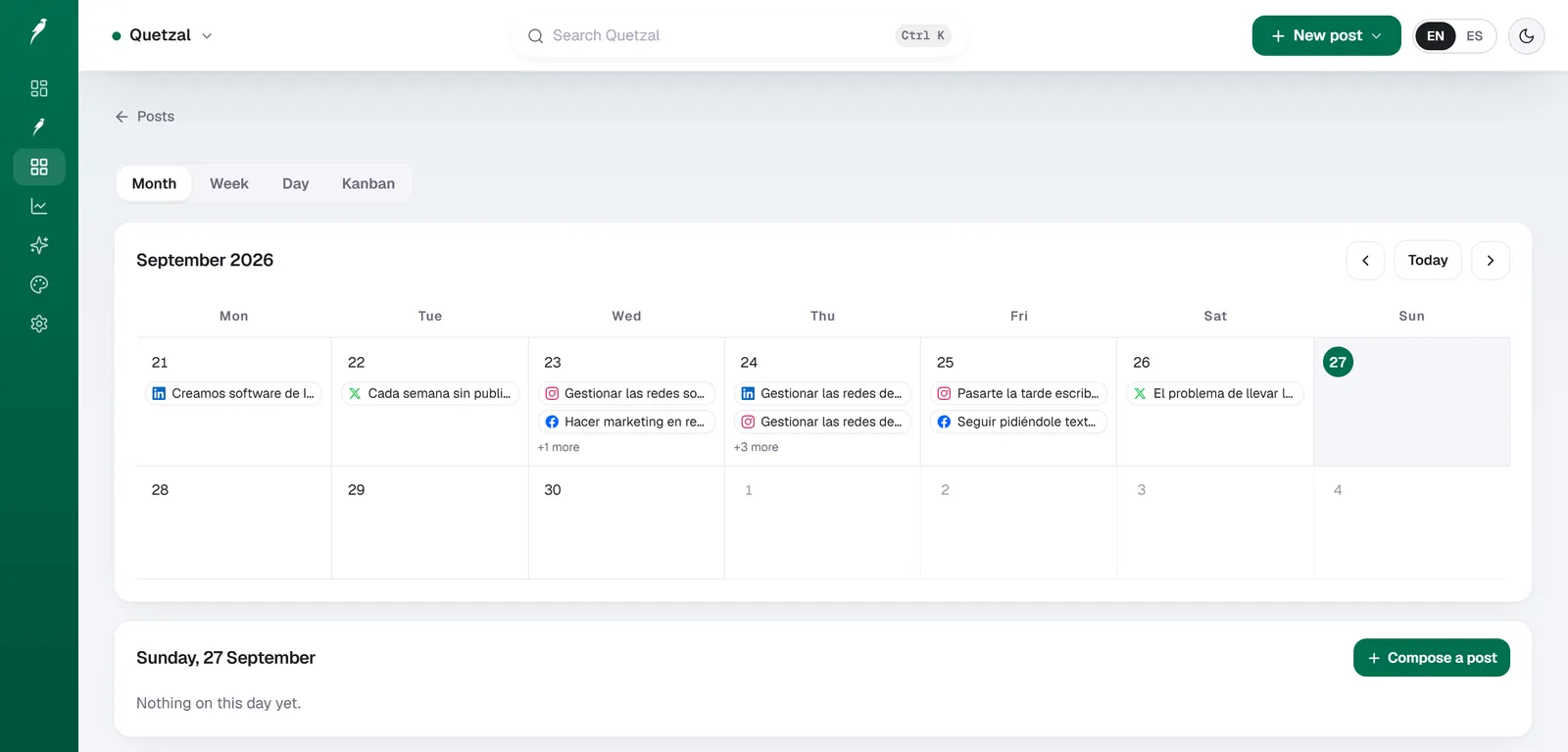
Your week, before and after
How it works
- 1
It reads your website
Your services, products, tone and colours become a brand kit. You fix anything it got wrong once, and every piece reads it.
- 2
It makes the week
A plan per network, then the posts: designed images, carousels, captions in your language, and reels on the plans with video.
- 3
It publishes and learns
Each post goes out at its network's best local hour. Results come back and shape the next week. You only approve, or not even that.
Why most AI LinkedIn posts read like AI
Asked for a post, a model writes a generic opener, a few vague points and a question fishing for reactions. Readers have learned to scroll past that shape. Quetzal commits to a plan before it writes a word, writes to that plan, and code removes the patterns readers skip.
What every post goes through
The same steps run whether the autopilot, Create or you asked for the post.
- A plan: one post type from a fixed set, a hook that fits that type, the funnel stage and one ask matched to it.
- Facts from your own material only. A story from your stories bank reaches the writer once code proves it is in your own text.
- A judge that reviews the topic, the hook, the body and the media one by one, and asks for a rewrite when one falls short.
- A floor against machine-sounding text: a post under the bar goes back for another pass.
- No hashtags and no engagement bait, removed automatically.
- Media chosen by the post: a real photo, a carousel or a chart when one helps, text alone when nothing does. Never an AI illustration.
Your name stays safe
Before any LinkedIn post goes out, whoever wrote it, a separate check asks one question: could this post cost the author business? A post that could is held in your approval queue with the reason, even on full autopilot, until you approve those exact words.
Comments stay yours
LinkedIn does not allow software to comment for you, so Quetzal never does. Paste someone's post into Quetzal AI and it drafts up to three comments in your voice, each from a different angle, for you to paste yourself.
What a writing assistant leaves to you
Questions people ask
What is the best AI tool for writing LinkedIn posts?
It depends on what you want to keep doing yourself. A writing assistant drafts when you prompt it, and you publish. Quetzal plans, writes, checks and posts on its own, and you approve. If you want LinkedIn handled every week, that is the difference to weigh.
Can it keep my LinkedIn active on weekdays?
Yes. LinkedIn feed posts are scheduled on weekday mornings in your own time zone, never at weekends. How many posts a week depends on your plan, and the pricing page lists what each one publishes.
Will the posts sound like me?
The writer reads your brand kit, your voice and your stories bank, and writes plain spoken prose a stranger can follow. Every post is graded for machine-sounding patterns and goes back for another pass when it falls under the bar.
Does it invent numbers or stories?
No. Facts come from your own material, and a stories bank entry reaches the writer only when code proves it is in your text. The judge names any figure it cannot find there, so it gets rewritten.
Does it use hashtags?
No. Quetzal writes LinkedIn posts without them, and any that slip in are removed automatically from every LinkedIn post, whoever wrote it. Engagement bait, such as asking readers to like or repost, is removed too.
Can it post to a company page as well as my profile?
Yes. Connect your personal profile, your company page or both, and each post goes to the accounts you picked. Nothing is published to an account you did not connect.
Can it comment on other people's posts for me?
It drafts, you post. LinkedIn does not allow software to comment, so you paste a post into Quetzal AI and get up to three comments in your voice, each from a different angle, to paste yourself.
How do I try it?
Type your website in the free demo and see a week made for your brand, with no signup. Then start the 14-day free trial: your card is saved and nothing is charged until the trial ends.
See your own week before you decide
Start the free trial, or type your website in the demo and watch a week being made for your brand.
14 days free. Card required, €0 today.