Guide · September 1, 2026
Creating reels with AI for free: what you can really do
Creating reels with AI for free: what you can really do with CapCut and Canva, what only paid AI does, and how to decide without surprises. 2026 guide.
 By Sergio · Co-founder of Quetzal

Creating reels with AI for free has an honest answer in 2026: for free you can edit (CapCut and Canva cut your footage with auto captions and templates), but no free AI generates the complete reel with script, voice and editing. That exists, it works, and it is paid.
Here is what each path gives you and how to decide without surprises.
Quetzal handles this by generating video reels end to end, including the script, AI voiceover, word-synced captions and finished render so you do not have to film anything.
The content uses your own visual identity with your logo, palette and fonts rather than templates, and you can try it free on your own website to see the output.
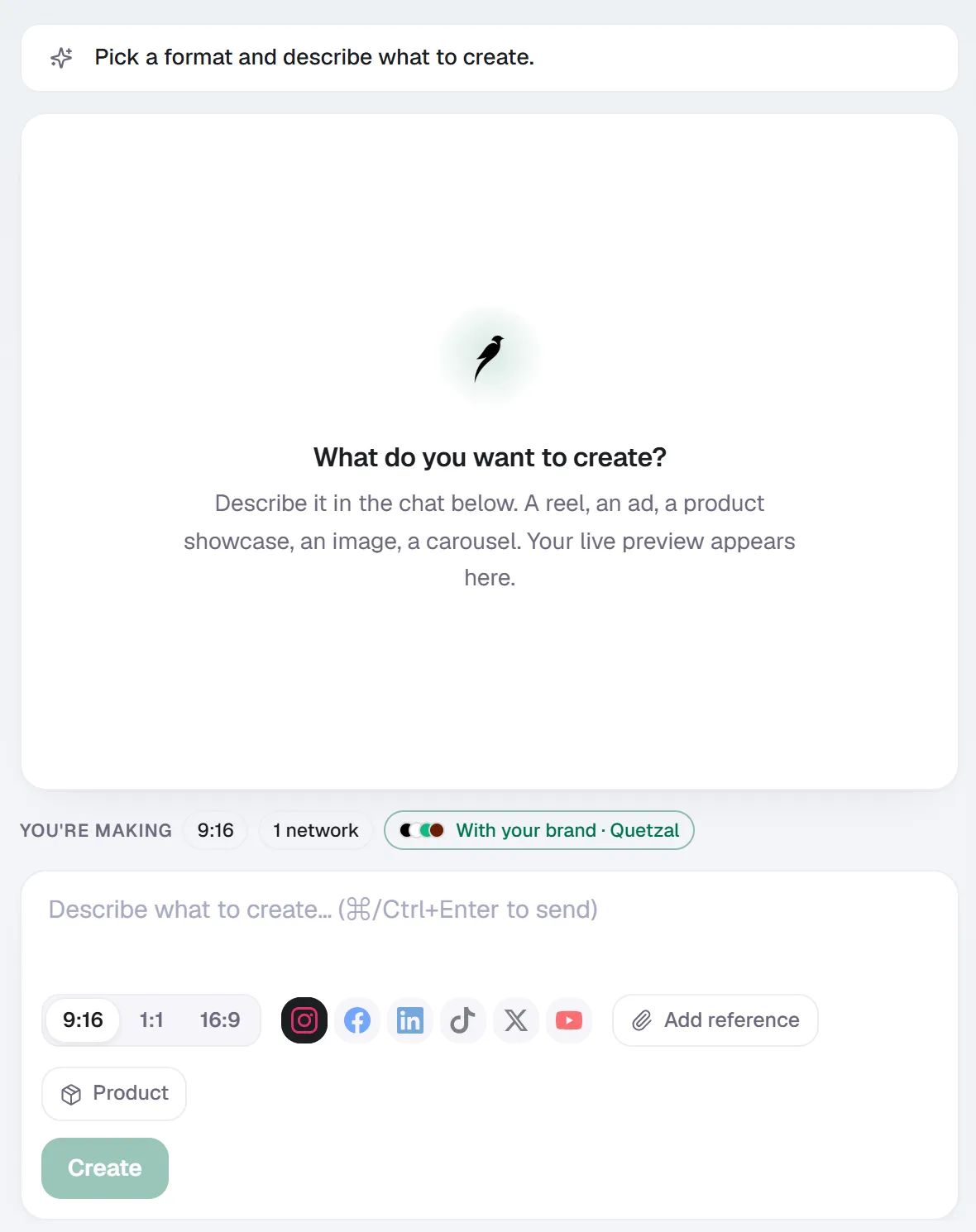
Create in Quetzal: describe the piece in a sentence, pick the format and the networks, and it is made with your brand applied.
What "creating reels with AI" actually means
Two different things get sold under the same name:
- Editing with AI help: you film or supply the material, and the tool cuts, captions and assembles it.
- Generating the reel: the AI writes the script, creates the visuals, adds the voice, syncs the captions and delivers a file ready to publish.
The first has excellent free versions.
The second does not: generating video costs real compute, which is why no serious tool gives it away.
The free options that genuinely work
- CapCut: the most complete free editor for Reels and TikTok. Auto captions, trending templates and effects, on mobile and desktop. The limit: it edits what you film, and several Pro-tagged features are paid.
- Canva: the free plan's video templates assemble simple reels by dragging in your clips and photos. The limit: template-shaped results, and the serious video AI sits in the paid plan.
- The apps themselves: Instagram and TikTok ship native editing with templates and trending audio. Starting from zero, it is the lowest-friction path.
With any of the three, the work stays yours: idea, script, filming and assembly. Free AI saves you the mechanical part, not the creative one.
What paid AI does (and why it is not free)
A real reel generator produces the whole video from one instruction: a script built for retention, generated visuals or clips, a natural voiceover, word-synced captions and an edit with rhythm.
Predis.ai does it on templates from 19 US dollars a month.
Quetzal generates it end to end (script, voice, captions and the final edit, in your brand) inside its social media autopilot, on plans from 449 euros a month that include the rest of the job: designed posts, scheduling, publishing across six platforms and learning from results.
Generating video burns expensive compute on every rendered second.
When something offers it "free", it is usually an expiring trial, a watermark, or a cap you hit before your third reel: read the fine print before uploading anything.
The recommended path for your case
If you are starting out on a zero budget, film with your phone and edit in CapCut, or check your profile with the free brand check.
When you want video volume without filming, Quetzal does the actual production work instead of just organising files by generating complete video reels end to end with script, voiceover and word-synced captions.
Every post is built in your brand's own visual identity with your logo, palette, fonts and product photos instead of generic templates.
The autopilot also gives you full control by letting you approve each post or run autonomously across six platforms, and you can see a real week of content for your business at /demo.
Is there an app that creates reels with AI for free?
Free apps that edit with AI, yes: CapCut and Canva caption, cut and assemble your material without paying.
Apps that generate the complete reel for free (script, voice and edit from scratch), no: the ones that really do it, like Predis.ai or Quetzal, are paid because generating video costs real compute.
How do I make my first reel for free, step by step?
Follow these steps to make your first reel:
- Film 3 or 4 short clips with your phone.
- Drop them into CapCut.
- Turn on auto captions.
- Trim each clip to its essence and export vertical.
- Publish with a clear hook in the first second.
It is an afternoon of work the first time and an hour after that.
Is a paid reel AI worth it?
It depends on your bottleneck:
- If you have time and no budget, edit for free.
- If time is what you lack and you need constant presence, an AI that generates and publishes on its own costs less than the hours it saves you, and that is when comparing plans against your own case makes sense.
Sources
Really made with Quetzal
Real product output, untouched. What you see is what it generates.